


Overview
Events are generated on the basis of scheduled tasks created in Maintenance 🢡 Manage 🢡 Work Flow: Maintenance Schedules. There are two types of scheduled Events: those involving Preventive Maintenance Schedules and those involving Scheduled Maintenance Schedules. Based on the triggering criteria defined for each of the scheduled events (whether they are triggered by a time interval or frequency-of-usage count or both), the events will be scheduled and work orders created either automatically (which is the case with Scheduled Maintenance Schedules), or they will be subject to approval beforehand (which is the case with Preventative Maintenance Schedules). That is to say, Work Orders for Scheduled Maintenance tasks are automatically created by the system based on the triggering criteria; while Preventative Maintenance Scheduled tasks will essentially trigger a prompt for approval before the Work Order is created. See Maintenance Schedules for a full discussion of both types of maintenance schedules. In both cases, email notifications apprising responsible individuals are sent at a predefined interval in advance of the scheduled event date.
Accessing the Two Different Types of Event Schedules
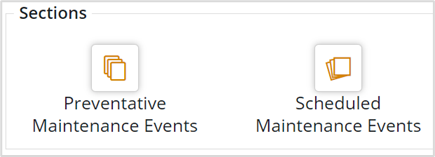
Preventative Maintenance Events can be viewed at Home 🢡 Maintenance 🢡 Sections 🢡 Events.
Scheduled Maintenance Events can be viewed at Home 🢡 Maintenance 🢡 Sections 🢡 Events.


