


Daily

Jun 28, 2024
Daily
Daily is used to view all WOs assigned to a specific date, as well as required Equipment and Parts & Materials assigned on the selected date. WOs can be further filtered by Workers or Crews.
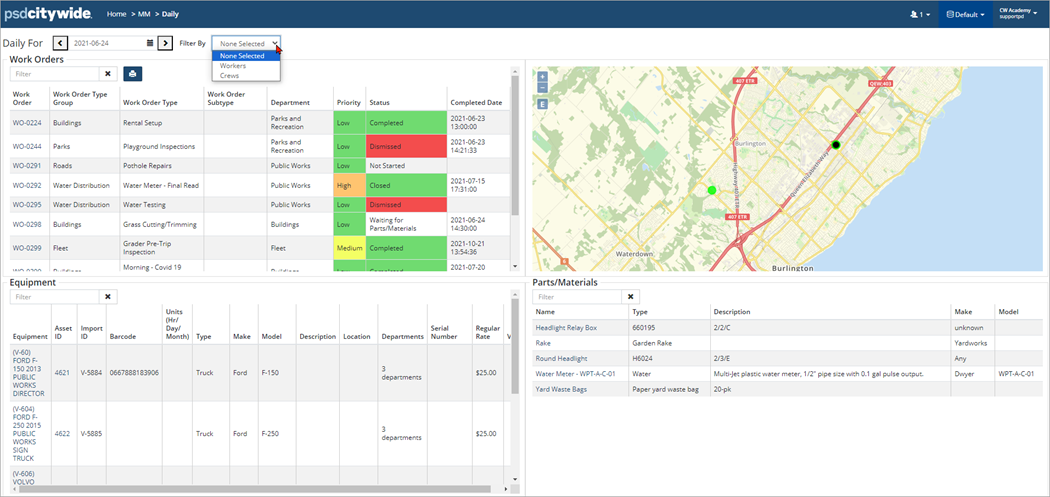
To view WOs for a specific date:
- In the Daily For field, navigate to a date or manual enter a date.
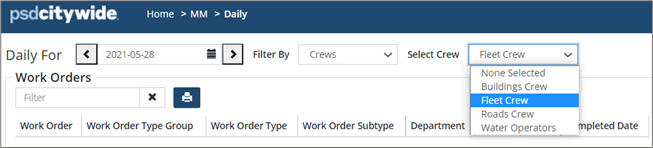
- Filter for Workers or Crews. (For example, in the above screenshot the WOs and resources are filtered by Fleet Crew)


