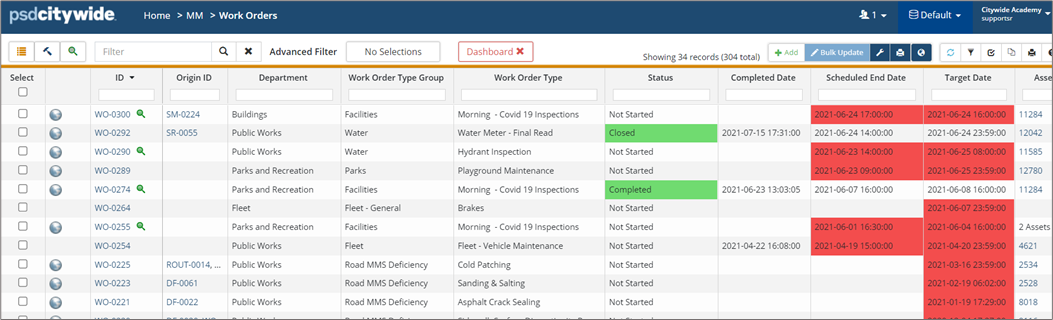
Dashboard - Maintenance

Nov 11, 2024
The Dashboard is specific to each User, and includes charts, counters, etc. that provide an overview of service requests, work orders and other parameters by departments for one or all worker(s).
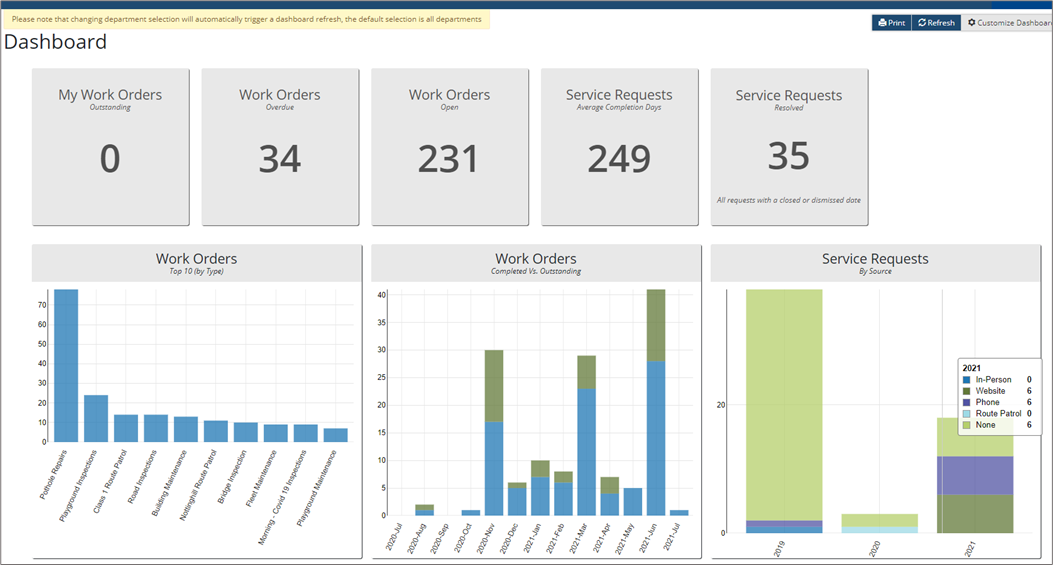
To customize the Dashboard:
- Click Customize Dashboard in the top right. The available widgets provide quick references for tracking and reporting. Make your selection by setting widget flags to Yes.
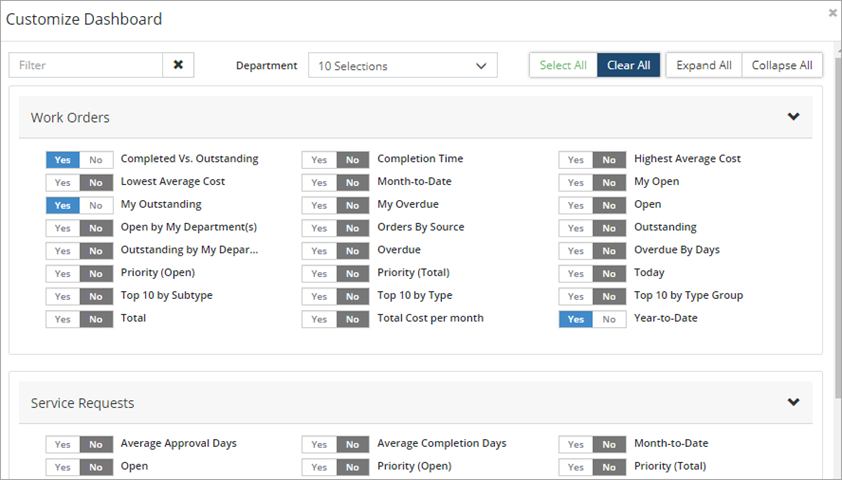
- Click Save.
- The Dashboard can be modified or printed as needed.
- Click the refresh button in the upper right to update the widgets to include the most recent information. Or click a widget, such as the Work Orders Overdue widget to navigate to the WOs grid filtered to show only those WOs being referenced by the widget.