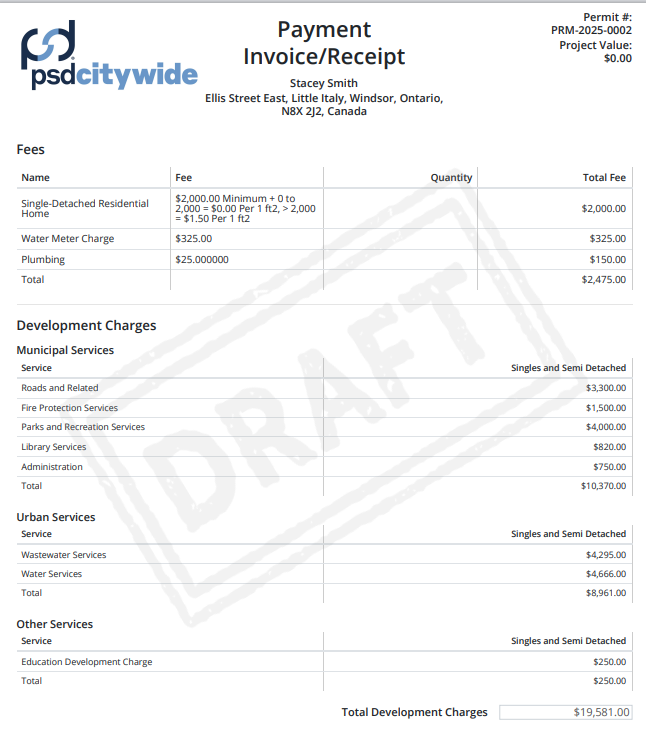
Payment Receipts

Oct 03, 2025
Payment Receipts can be printed (PDF) or emailed from Citywide. On the Permit or Licence application information page, click Summary, then the Receipt button in the Printouts section.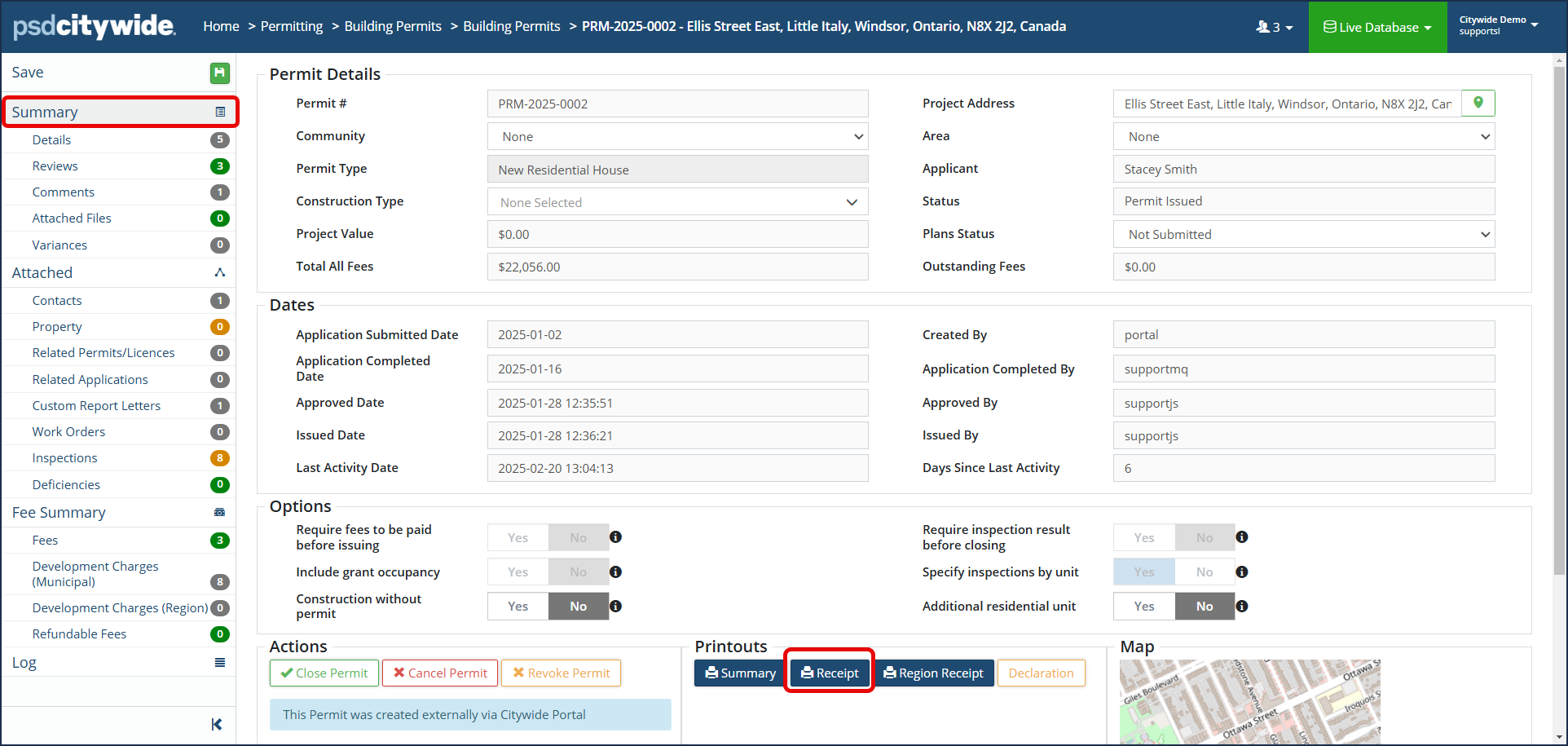
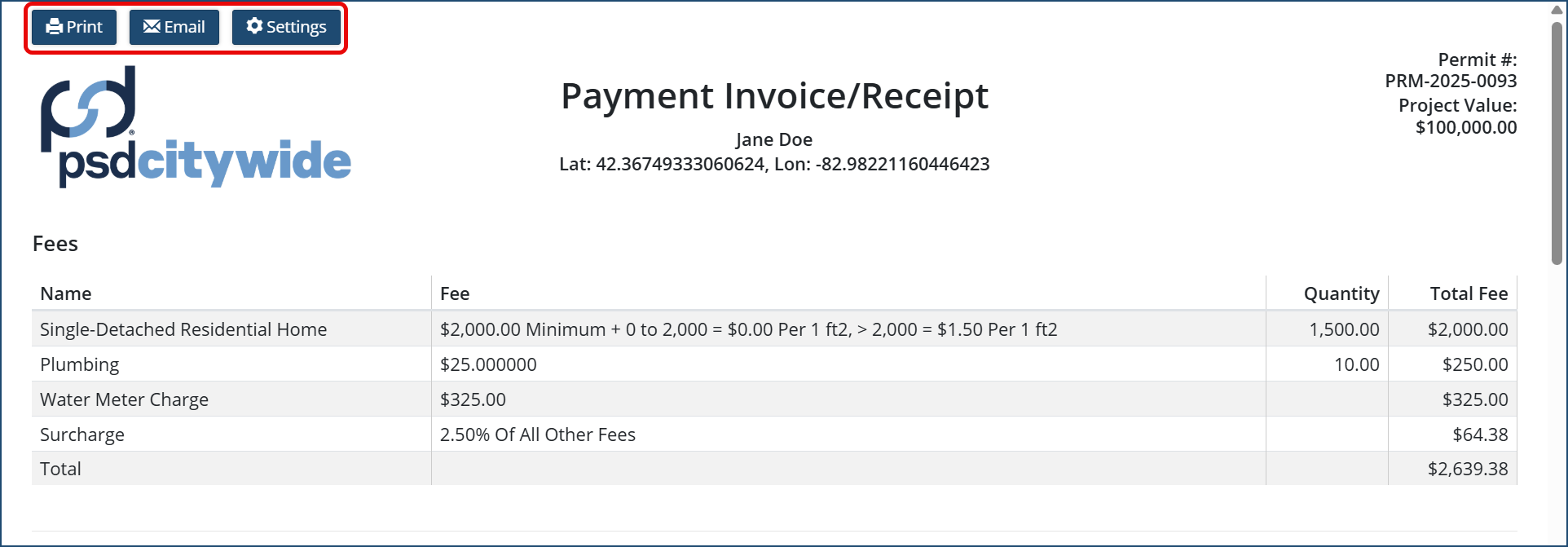
Select either Print or Email option.
- Print: Save as PDF to your computer or print to a connected printer.
- Email: Select the email address from the drop down list of contacts. OR enter an email address. Then click Send Emails
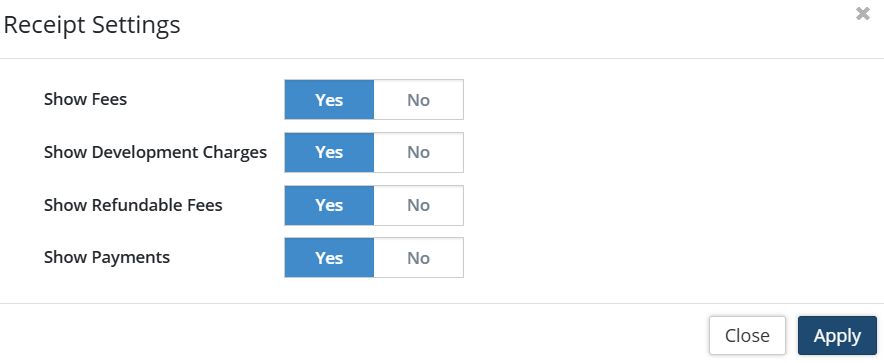
- Settings: This allows the user to select which fees are visible on the receipt before printing or emailing. Toggle Yes or No on the desired option.
Below is a sample receipt of fees paid.