


Transaction Report

Feb 25, 2025
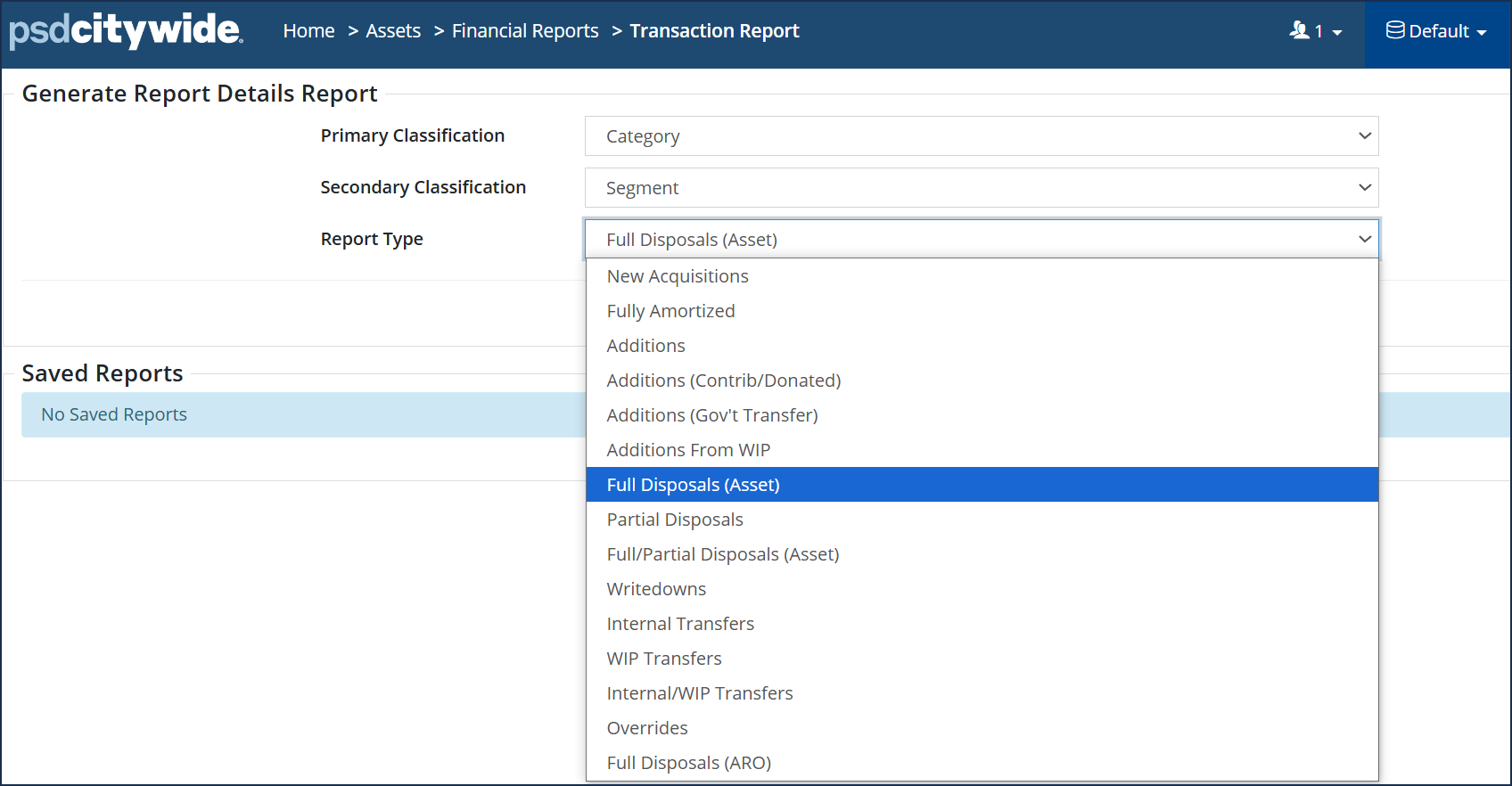
The Transaction Report reports on different transactions (i.e., Additions, Disposals, ARO Disposals, etc.) completed within Citywide for the reporting year. This report can also be used to generate a list of all fully amortized assets for the reporting year.
Run a Full Disposal (Asset) Report
- Navigate to Assets > Financial Reports > Transaction Report
- Select Full Disposals (Asset)
- Click Run Report
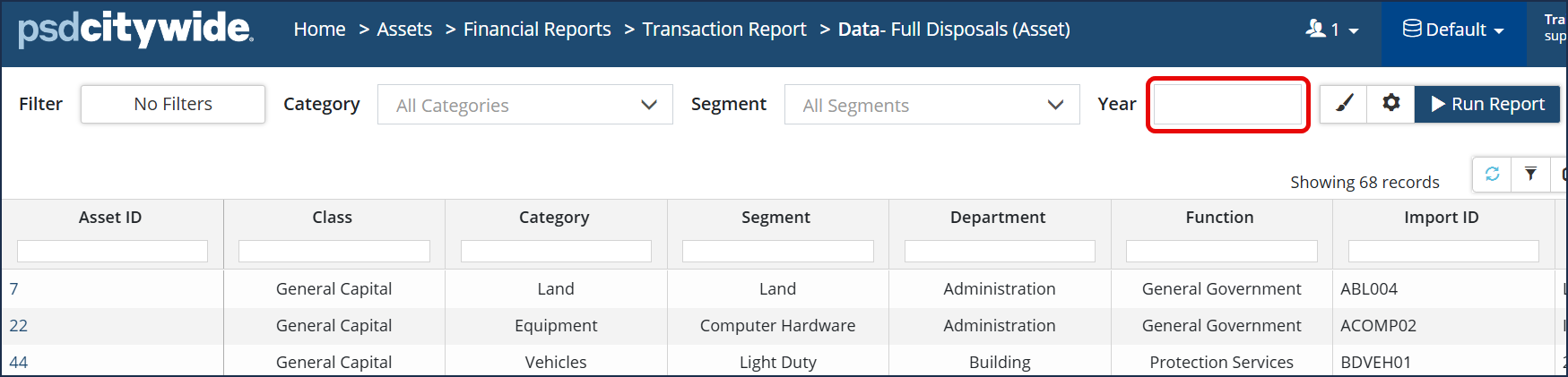
- Leave the Year field empty to report on all full disposals within the Inventory list regardless of reporting year.
Run a Fully Amortized Report
- Select Transaction Report
- Select Report Type: Fully Amortized
- Click Run Report


Enter the current year. Click  and check Limit to Year for an exact match (i.e., if you only want to report on assets that have fully amortized for the reporting year) otherwise all fully amortized assets up to and including the reporting year will be reported on.


