


Work Activity Codes

Jan 22, 2026
The Work/Activity Codes screen is used to manage corresponding work/activity codes.
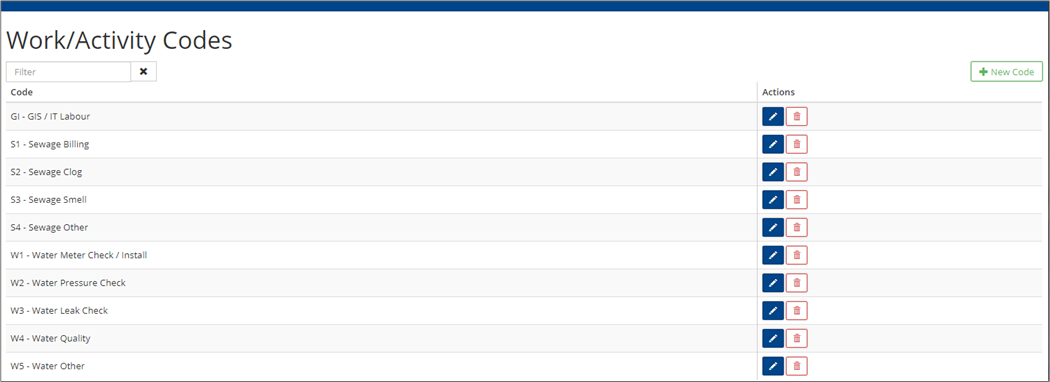
-
To add a new Code, click +New Code.
-
Enter a Code and click +Add.
-
To edit an existing code, click Edit
 .
. -
To remove an existing code, click Delete
 .
.


