


Crews

Jan 22, 2026
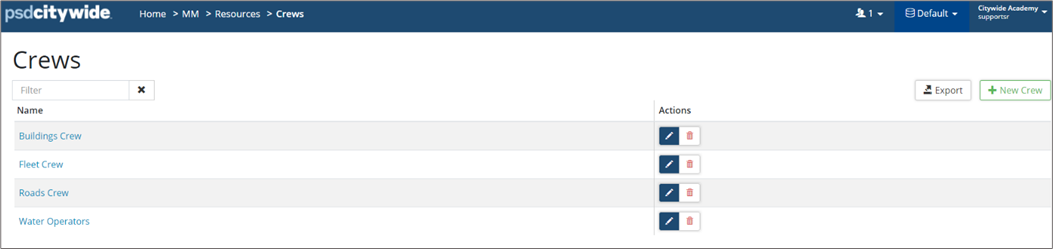
This information is used at the Work Order level when applicable. To create a Crew:
-
To add a new crew, click +New Crew.
-
Enter a Name and click Add.
To manage the Crew Details
-
Once a crew has been added, click the crew name in the list. The crew details can be managed as needed.

-
To edit a crew name, click Edit
 .
. -
To remove a crew, click Delete



