

Positions

Last updated: Jan 22, 2026
Positions are used at the Work Order level for Check-ins and Costing.
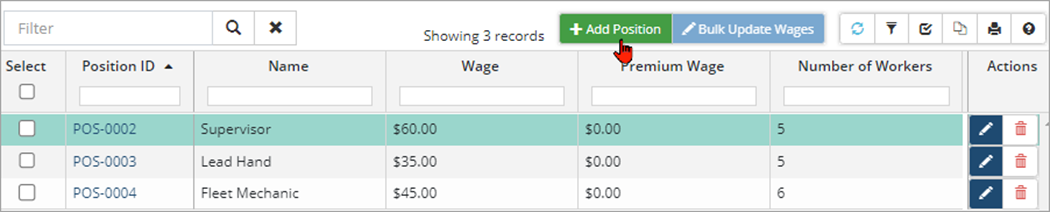
To create a new Position:
-
Click +Add Position.
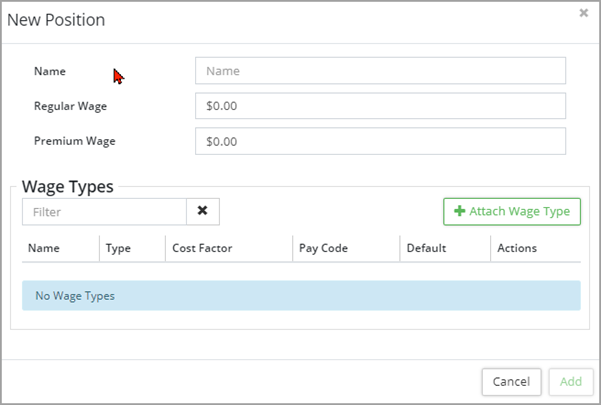
-
Enter a Name and Wage Click Add.
-
To edit a position, click Edit
 .
. -
To remove a position, click Delete
 .
.


