

Vendors

Last updated: Jan 22, 2026
The Vendors screen is used to manage the list of vendors used at the Resource level on Work Orders.
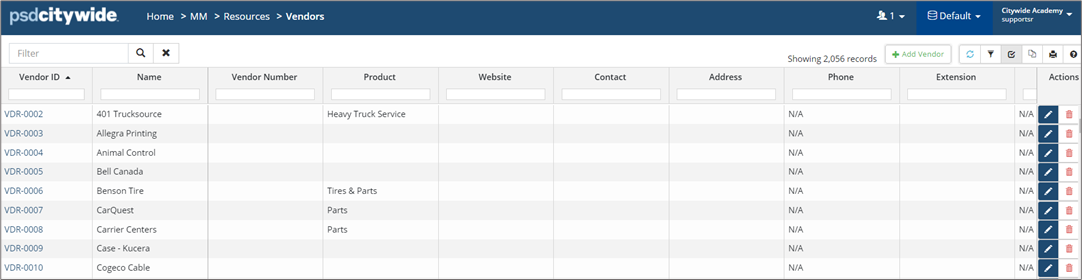
-
To add a Vendor, click +Add Vendor.
-
Enter Vendor and Contact Information Attach files as needed.
-
Click +Add.
-
To edit a Vendor, click the Vendor Name or Edit
 . Update information and click Save.
 -
To remove a Vendor, click Delete
 .
.


