Map (Citywide Mobile App)

Feb 24, 2026
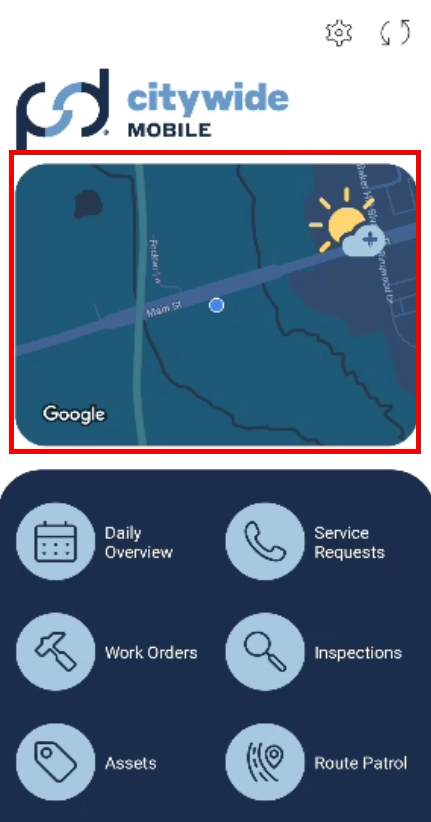
The map view feature on the Citywide Mobile App home screen allows users the ability to download assets, filter, view routes, create work orders, service requests and assets. Users can click on the map to access the features.
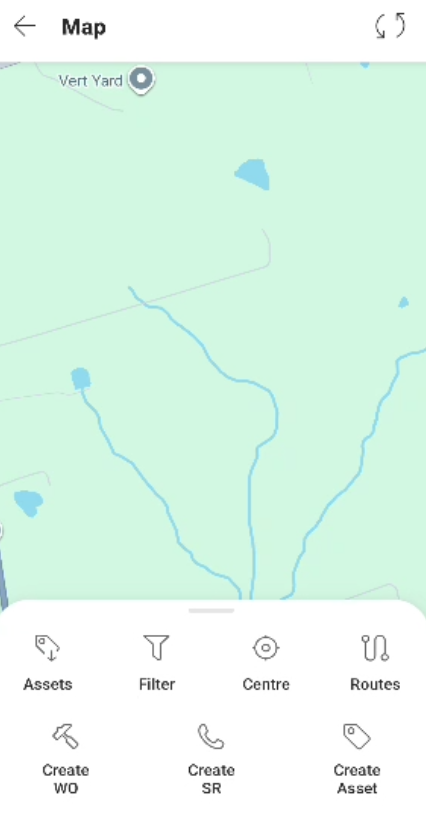
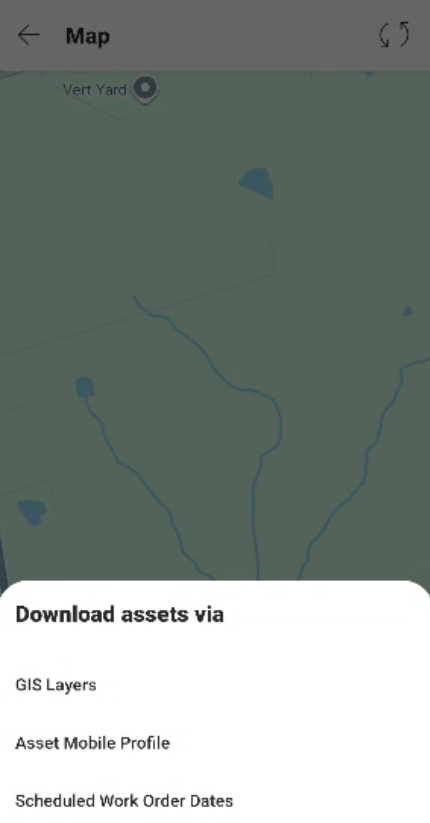
Users can download assets via GIS layers, Asset Mobile Profile, and Scheduled Work Order Dates.
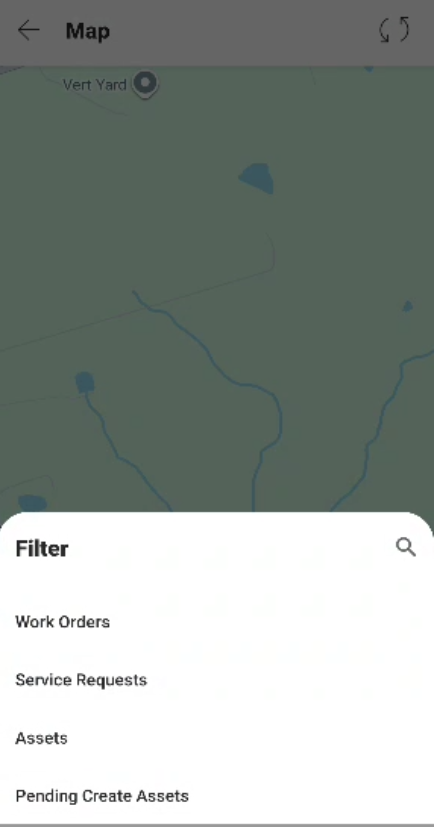
Users can filter work orders, service requests, assets and pending create assets. Any filters applied will remain and the Filter icon will be highlighted to indicate applied filters are in place.
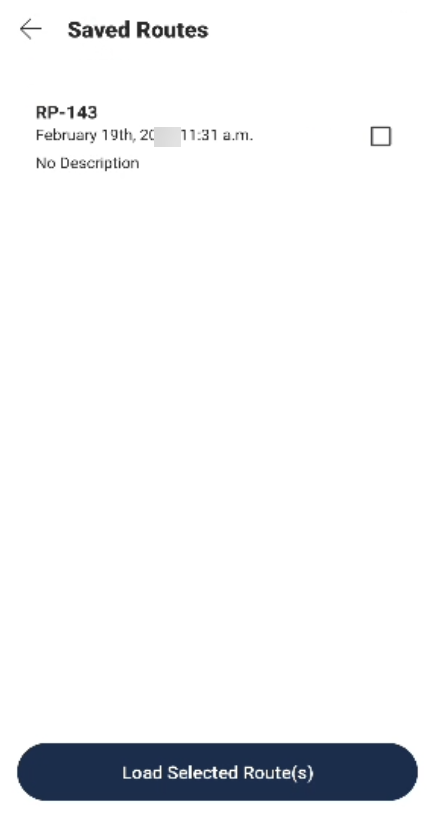
Users can view Saved Routes from Route Patrol.