Work Order Reports

Mar 04, 2026
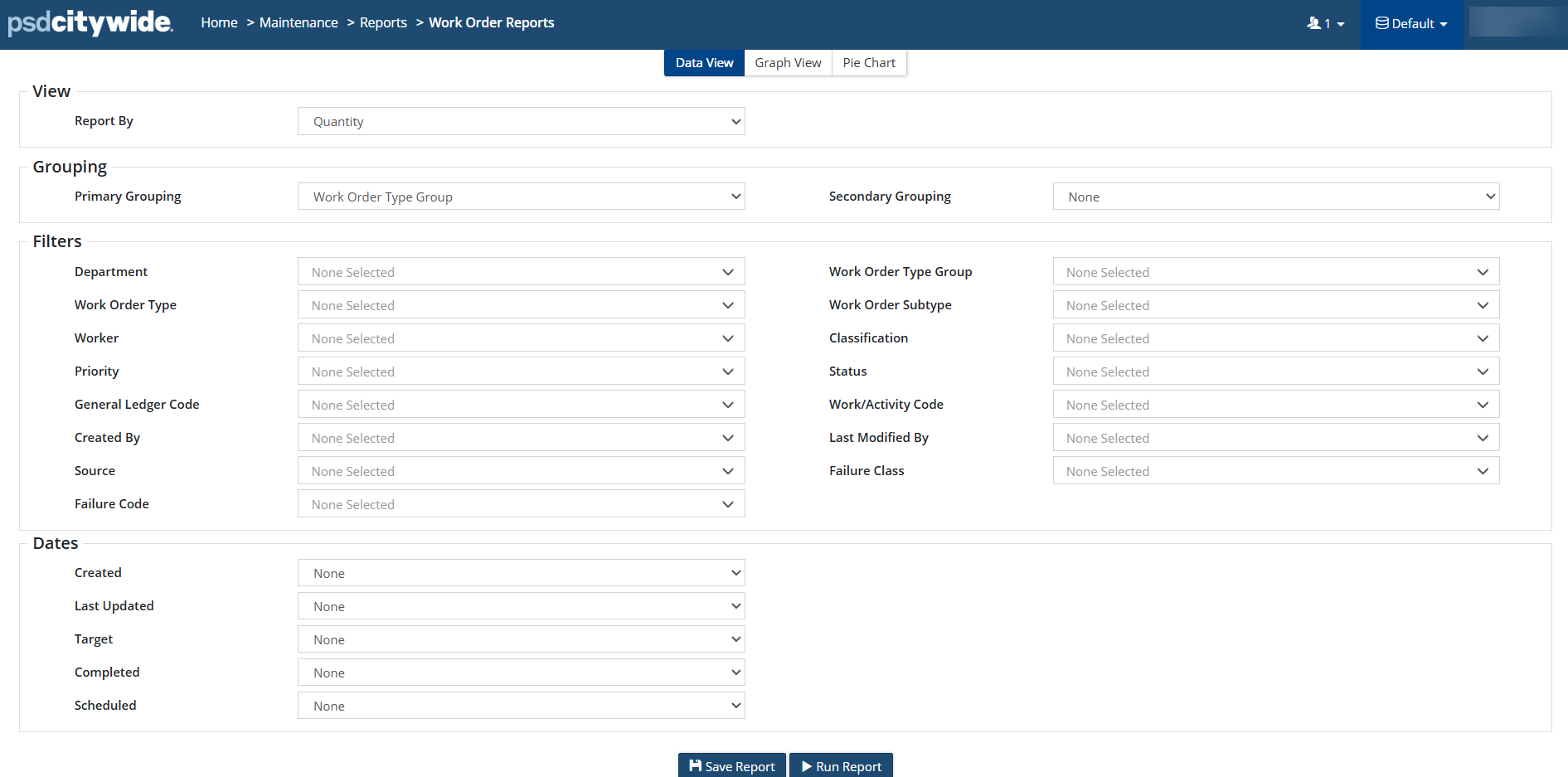
Work Order Reports are primarily used to report on the Work Order Types, then filtering down any additional information such as worker, department, status, priority, etc. Users can view report by quantity or cost and select Primary Grouping and Secondary Grouping for Work Order Type Group, Work Order Type, Work Order Subtype, etc. Created, Last Updated, Target, Completed and Scheduled dates can be applied, in addition to saving the filters as a Saved Report. Work Order Reports can be viewed in Data View, Graph View or Pie Chart View, which can be exported.