Model Administration - Years

May 12, 2026
Years
Years are a core component of the CWBC data model.
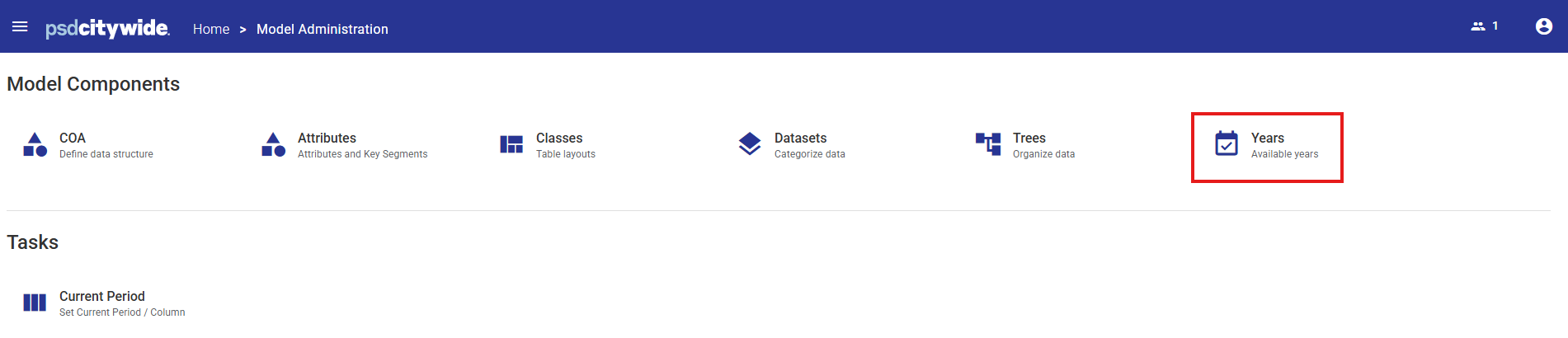
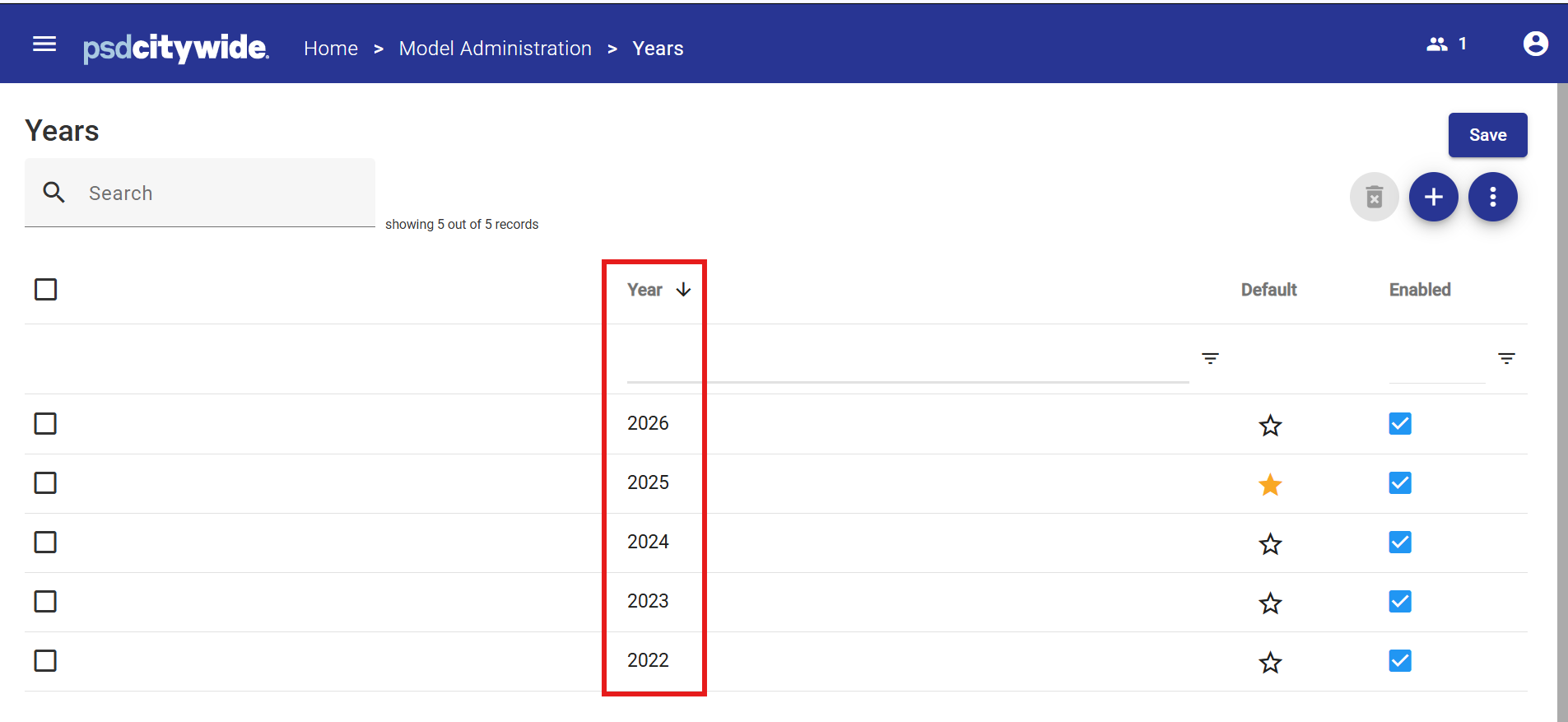
If a specific year does not appear in the Years list, then it will not be an available year for budgeting or reporting purposes.
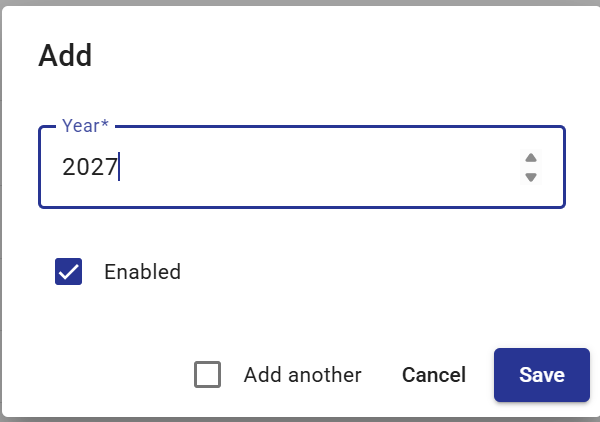
Years can easily be added by clicking the  button from the Action Menu.
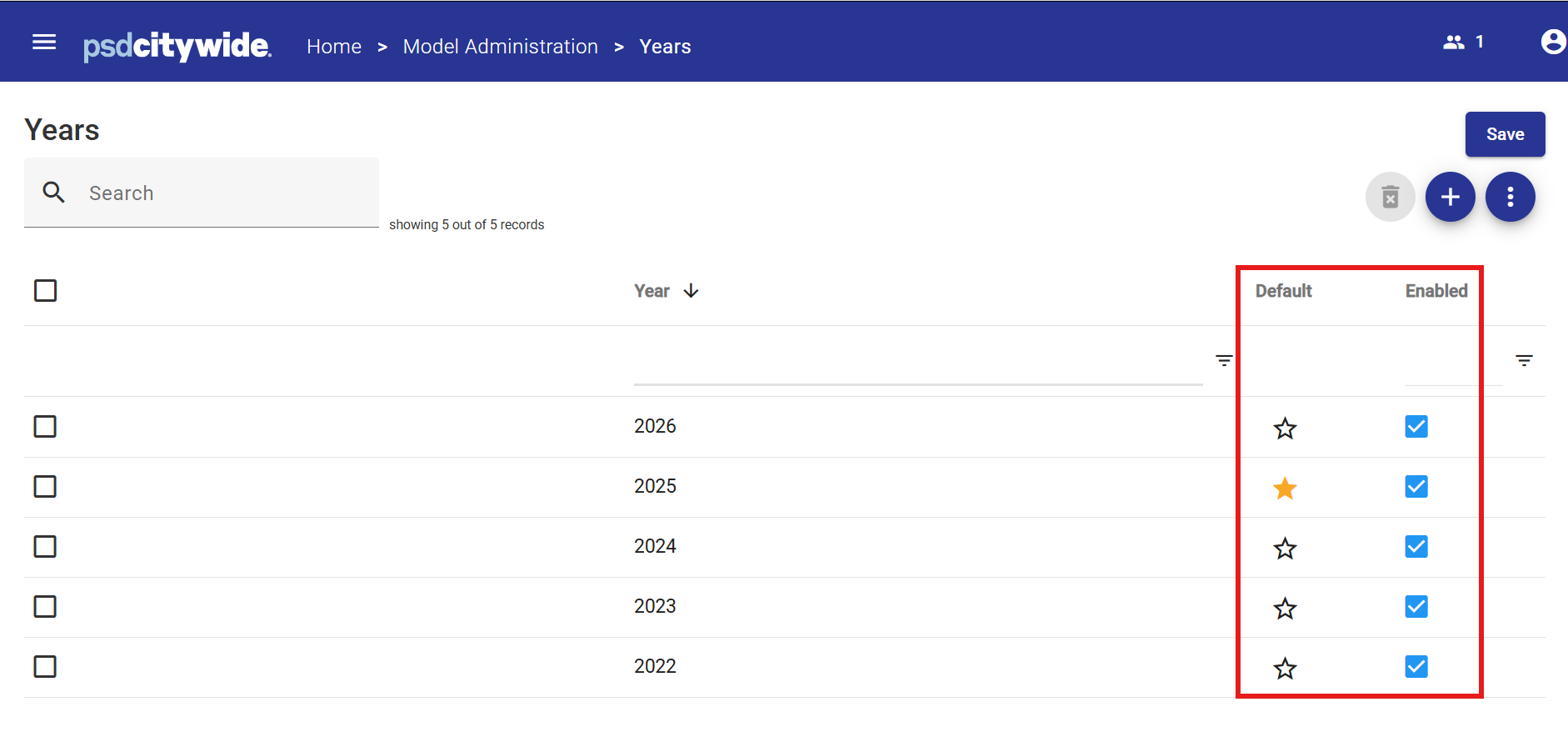
Each year has two properties:
- Default - identifies the default or "Current Year" specified in the Current Year Task area.
- Enabled - if a year is not Enabled, it will no longer appear as an option when selecting data – this means that any data associated with this year will not be accessible to users unless the year is enabled by the System Administrator.