


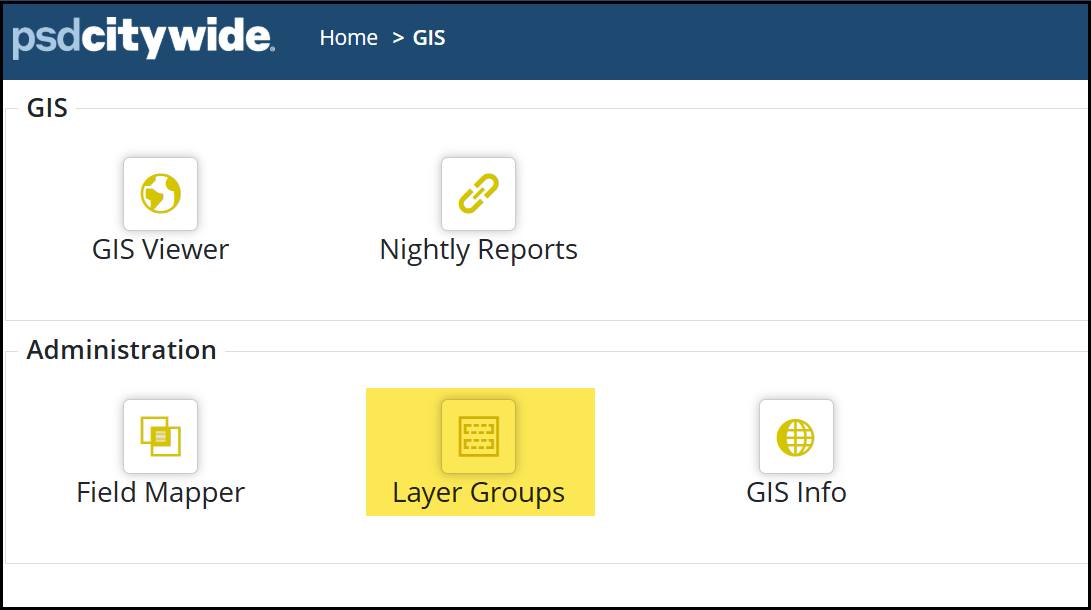
GIS Layer Groups allow grouping of layers for ease of access. GIS layer groups can be created in the Layer Groups page to organize layers into groups or folders. Basemaps and Layers are default groups and cannot be edited or removed.
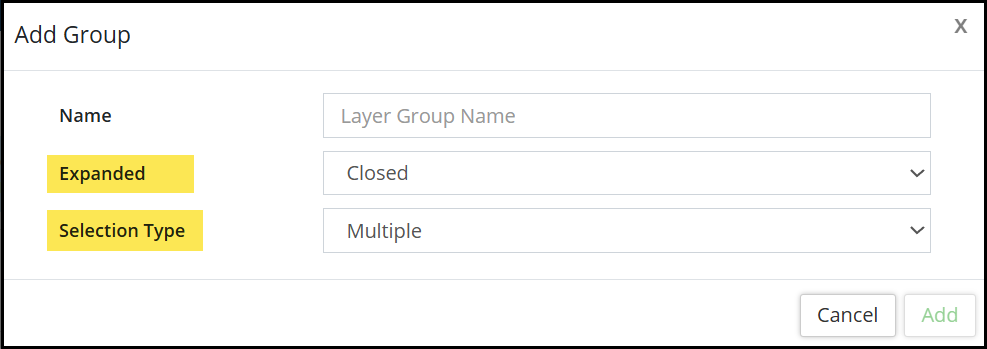
Users can create Layer Groups by clicking + New Group. When creating a new group name, Expanded options include Closed, Open, When Some Layers are Visible, When All Layers are Visible. This option determines if a layer group in the map is expanded/collapsed by default. In addition to 'Open' and 'Closed', Groups can also be expanded dynamically depending on if some or all layers in the group are visible by default. A second dropdown option for Selection Type indicating Single or Multiple determines if group allows one or multiple layers to be visible at the same time.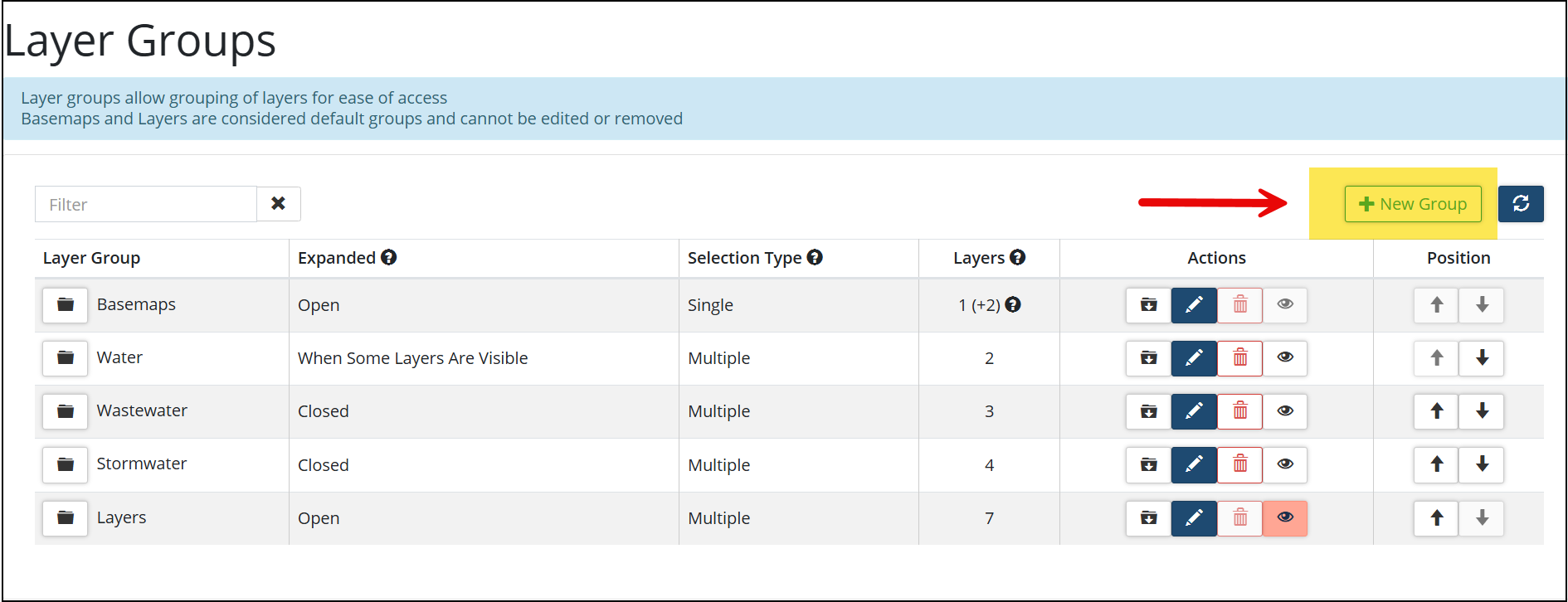
Once Layer Groups are created, the structure of the groups are shown in the Layer Groups page.
1) Expanded shows the Expanded option selected for the layer group.
2) Selection Type shows the Selection Type selected for the layer group.
3)The Layers column indicate how many layers are in the group.
4) The Actions column allow users to move layers into the group, editing the group, removing the layer group and toggle group visibility.
5) The Position column allows users to order the position of the groups. 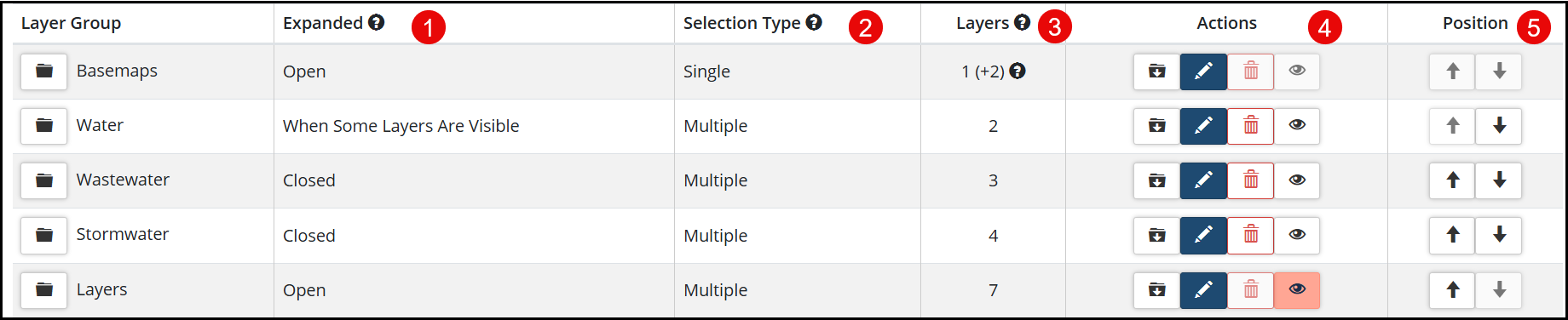
When layer groups are expanded, users can utilize the Filter bar to locate a Layer name, toggle (hide/unhide) Visibility of the layer, Move layers into the Group, as well reorder the Position of the layers within the group.


