


Model Administration - Tasks

May 22, 2026
Setting the Current Period
This tool is used to set a system-wide current year and period(s).
The current year and period are both used to default an initial data selection in certain views and reports where a Comparative Column is defined as Year to Date (e.g. Year to Date actuals to the end of June).
To set or update the default current year/period:
- Go to Model Administration > Tasks
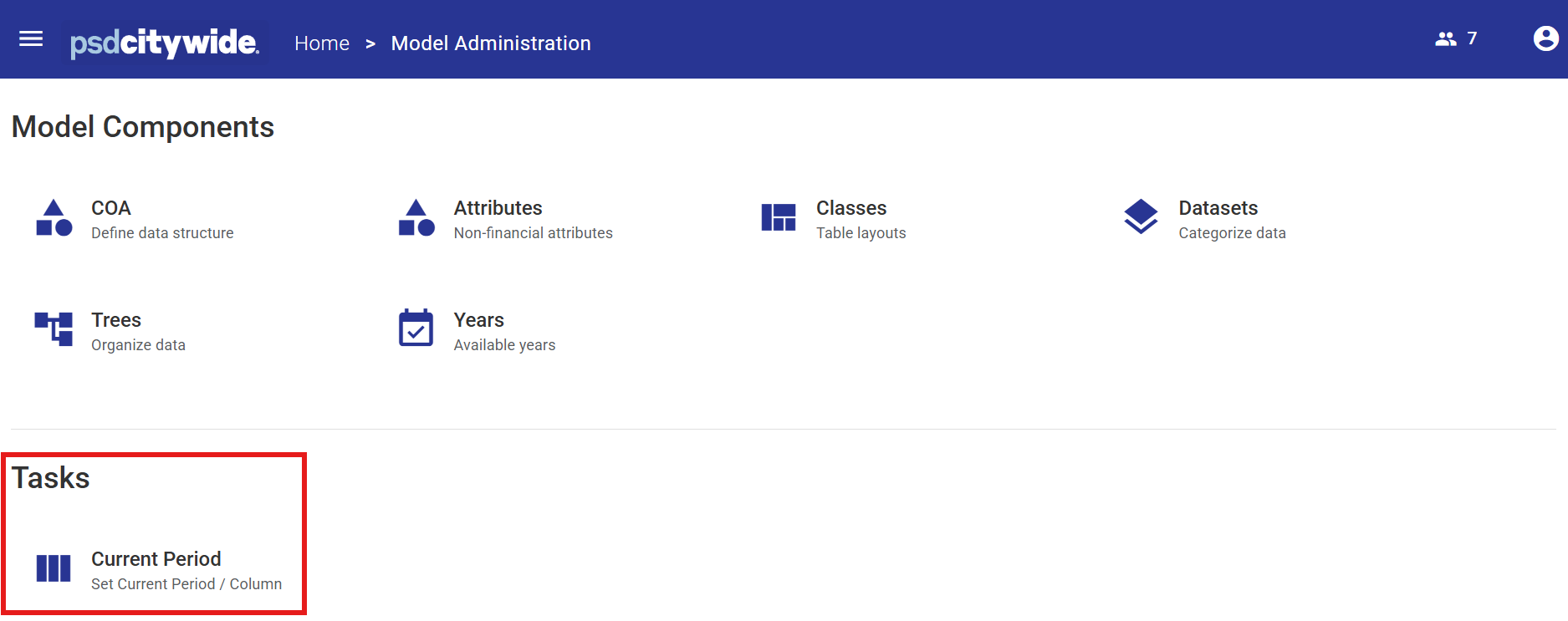
- Click the Current Period icon. The configured Class(es) will be displayed.
- Click the Edit button
 on the row of the Class to be set or updated.

- Select the desired Year or Month Class Column from the drop-down list.
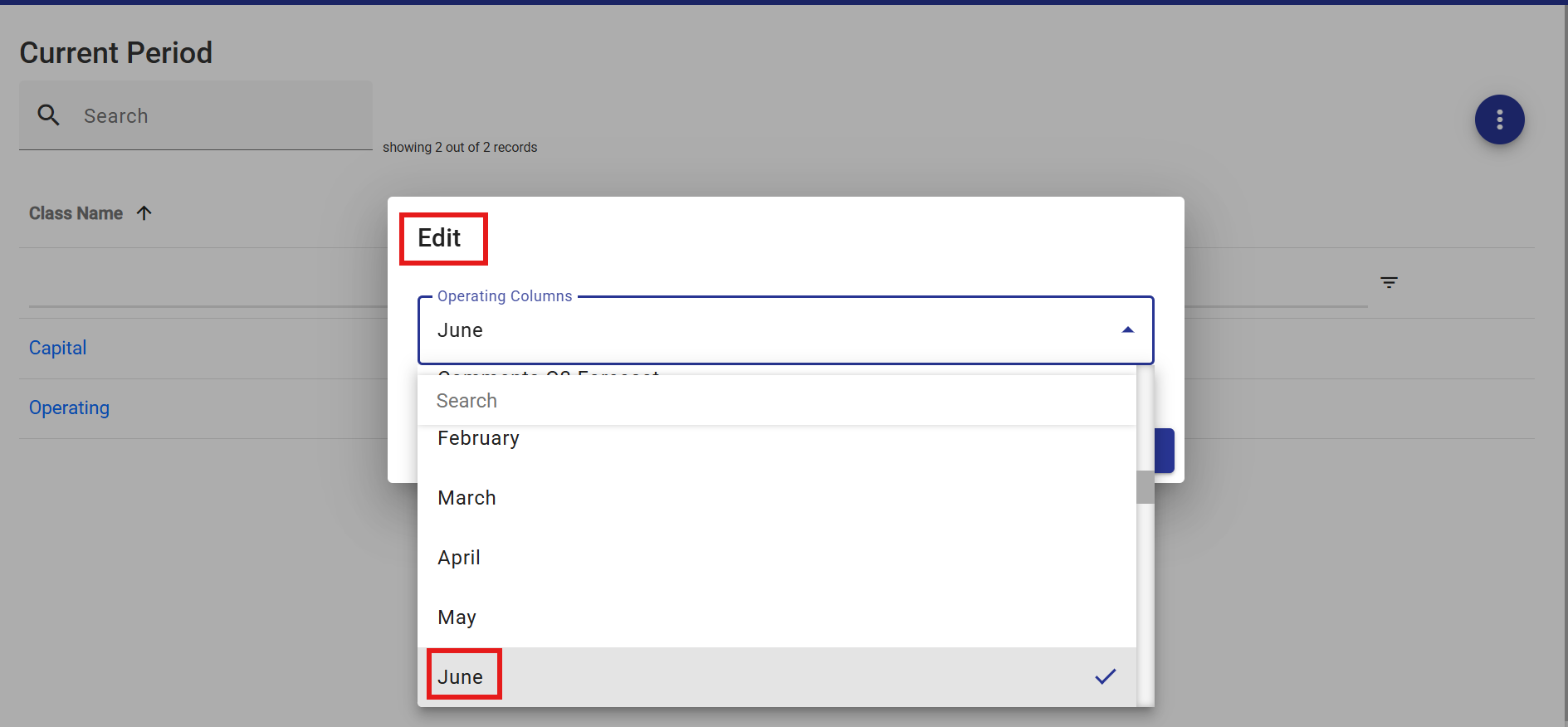
- Click Save
Related Articles: Model Administration


